
For podcasters, streamers & creators — one long video becomes a week of clips
OptimaClip — AI video clippingYou spent hours recording it. Almost nobody has seen it.
Paste a podcast, stream VOD or YouTube link. Get captioned vertical clips of your best moments in minutes.
Creates your account — free 3-day trial, 30 credits, no card needed.
14-day money-back guarantee — if it doesn't find clips worth posting, we refund you.
For first-time subscribers who use 20% or less of their monthly plan's included credits. Refund terms apply.
One long video in, your best clips out — every feature in 43 seconds, shown in the real dashboard. Tap the speaker for sound.
Cancel anytime from your dashboard's Billing page. No contracts, no "contact sales" wall. See every feature
Your clips and projects stay in your library — you can re-download them any time, even on a free plan.
We don't sell your data. Your videos are processed to generate clips and stored in your library — see our Privacy Policy for details.
What you'll see in a few seconds
What you put in
A podcast, stream, YouTube video, webinar, or interview — pasted as a link or uploaded as a file.
What OptimaClip does
The AI watches the whole thing and surfaces the moments worth sharing.
What comes out
Captioned, reframed vertical clips — scored and ready for about twenty minutes of human review.
What you do next
Finish the edit in Studio, then export or schedule it to your short-form channels.
Why it clicks
- Paste a link before bed. Wake up to a week of clips.
- It tells you why it picked every clip.
- One long video in. A week of posts out.
- Captions, reframe and scheduling in one place.
- The 96 goes up first. The 71 can wait.
- No CapCut round-trip. No second app.
- Stop scrubbing footage on your weekends.
- It finds the moment you forgot was there.
- Eight platforms, one queue.
- Built for podcasts, streams, lessons and webinars.
What clips from OptimaClip actually do
187 → 1,460
average views per clip
+681% average views in 30 days
1.2% → 3.1%
engagement rate
2.6× more engagements per view
42% → 68%
retention rate
+26 points retention rate in 30 days
“We went from posting clips that barely got seen to having a repeatable way to test stronger hooks and moments from every episode.”
30-day comparison · 16 clips before vs. 24 clips after · YouTube Shorts + TikTok
“OptimaClip turned my weekly podcast into a full month of short clips with almost no effort.”
Clip everything. In one click.
Vlogs, gaming VODs, interviews, sports, explainers — paste one link and OptimaClip's agent watches the whole thing, finds the moments worth cutting, and hands them back captioned, reframed to 9:16, and scored. No timeline to scrub. No second tool.

8 clips found
 0:32
0:32The 1v3 clutch nobody saw coming
Reaction spike + hard cut on the win
 0:47
0:47“That’s the part nobody talks about”
Contrarian take, clean setup and payoff
 0:24
0:24Buzzer-beater, and the bench erupts
Peak crowd noise, self-contained moment
A styled preview of the Clip Editor flow. Footage, titles, and scores are illustrative — see the “See it in action” grid above for real product screens.
Whatever the long-form is, this is the short-form
One clipping agent, every format you already record.
 Vlogs
Vlogs→ captioned 9:16 clips
Gaming→ captioned 9:16 clips
 Interviews
→ captioned 9:16 clips
 Sports
→ captioned 9:16 clips
 Explainers
→ captioned 9:16 clips
★★★★★
Everything OpusClip and Vizard do — clipping, captions, Smart Reframe — plus scheduling, publishing, and a real editor in the same login.
1 click
from a raw link to scored, captioned clips
8–12
standalone moments pulled from a typical long-form
0
timelines to sit through — the agent does the scrubbing
Clip once, publish everywhere
Made for streamers, podcasters, and clippers
Whoever you are, the same AI clipping agent — and the same Studio editor and auto-publishing — adapts to how you actually work.
Streamers
Turn a 4-hour VOD into a week of Shorts and Reels without opening an editor.
Submit last night's stream before bed. By morning, a full week of ready-to-post clips is waiting — captioned, cropped, and scored for which ones are worth pinning to the top of your feed.
Podcasters
Every episode becomes 8-12 standalone moments your audience can find you through.
Long-form audience growth increasingly happens one clip at a time. OptimaClip finds the specific 45-second answer, story, or disagreement that makes someone stop scrolling and go find the full episode.
Clippers
Run clipping as a service for multiple creators from one team workspace.
Seat-based access and per-client history mean you can operate several creators' clip pipelines from a single login without anything crossing over.
Brands & Agencies
Repurpose webinars, demos, and interviews into on-brand short-form, at volume.
Client workspaces, brand templates, and full API access are built for agencies repurposing content for more than one account at a time.
OptimaClip in use
Wherever creators record, OptimaClip does the clipping
Streams, podcasts, lessons and phone shoots: one long video goes in, scored and captioned clips come out.
 Streamers
 Creators
 Podcasters
 Creators
 Gamers
 Podcasters
 Creators
 Streamers
 Educators
 Podcasters
 Streamers
 Creators
What creators tell us
“The AI finds the hooks, adds captions in my brand style, and queues everything.”
“My shorts output went up without needing an editor on every stream.”
“Finally made repurposing retainers profitable.”
“We went from posting clips that barely got seen to having a repeatable way to test stronger hooks.”
“Now OptimaClip handles it all under one login and price.”
“We can keep all of a client's clips, calendars, and brand presets in one place.”
How people use it
From long video to posted clips, step by step
Real screen recordings from the OptimaClip dashboard. This is the whole workflow: nothing sped up, nothing mocked up.
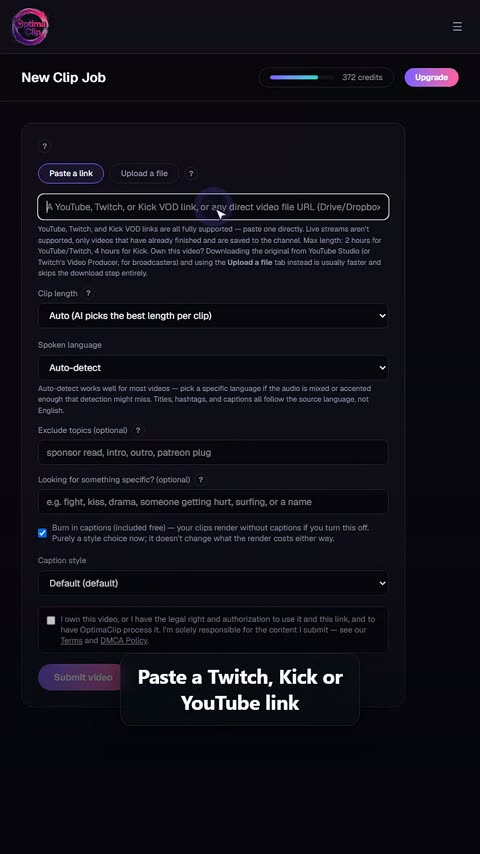 1
1Paste a link or upload
Drop in a YouTube, Twitch or Kick link, or upload a file straight from your computer.
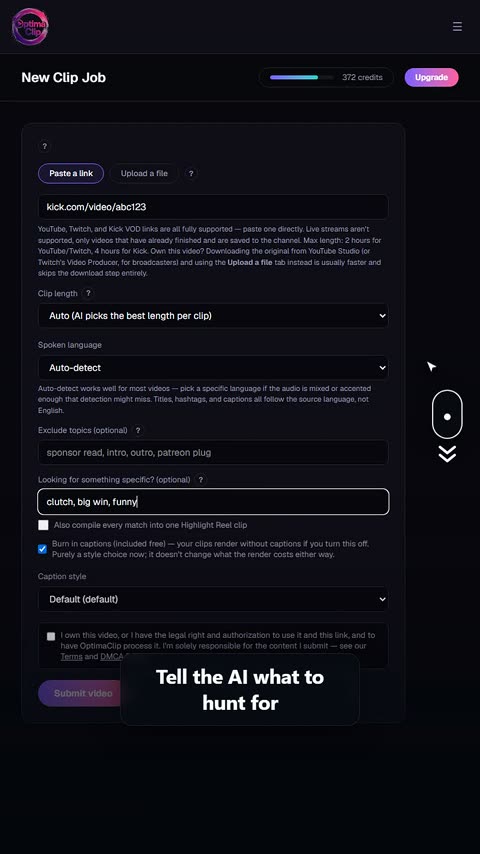 2
2Tell the AI what to look for
Optional: name a topic, a guest, a game moment, or what to leave out.
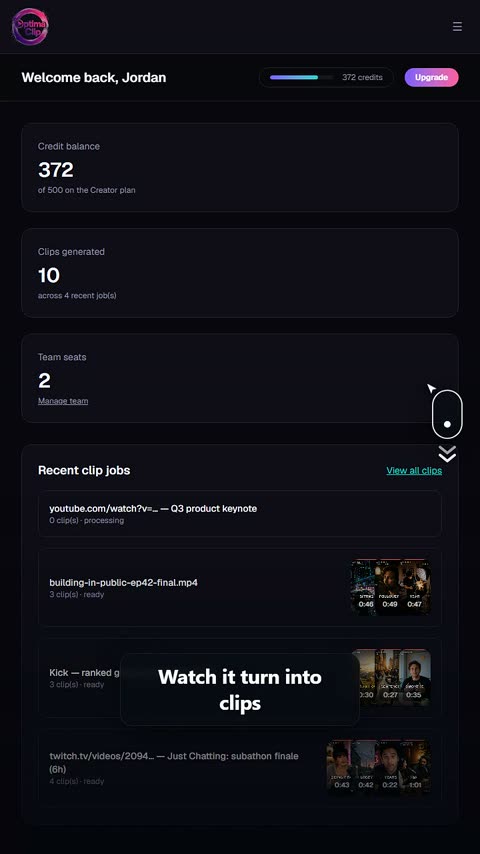 3
3Watch it work
The job transcribes, scans and cuts while you do something else.
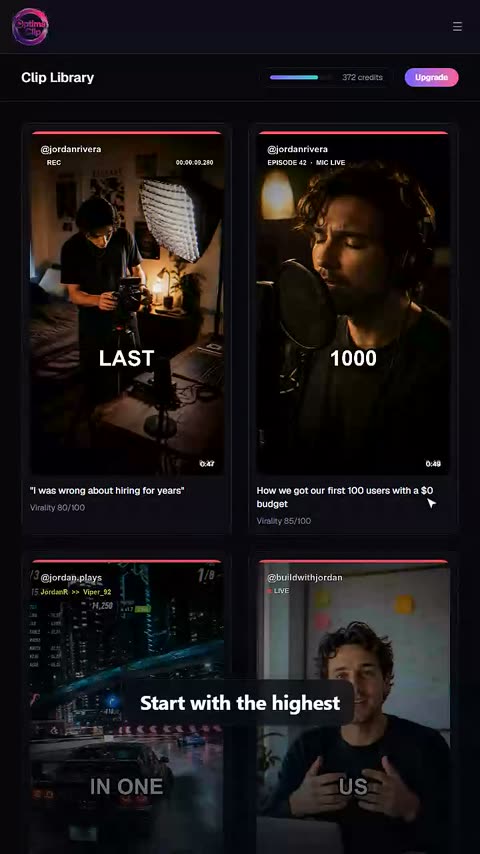 4
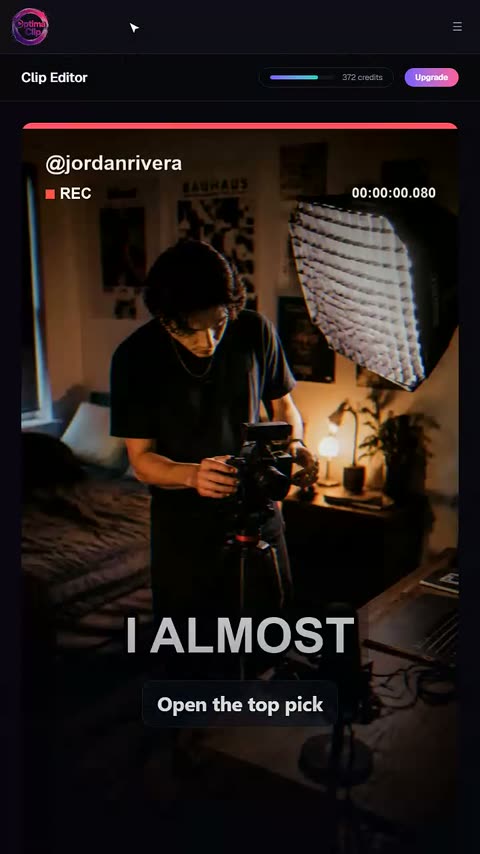
4Open the highest-scored clip
Every clip comes back with a 0–100 virality score, so you start with the strongest.
 5
5Read why the AI picked it
A plain-English reason on every clip: the hook, the payoff, why it should land.
 6
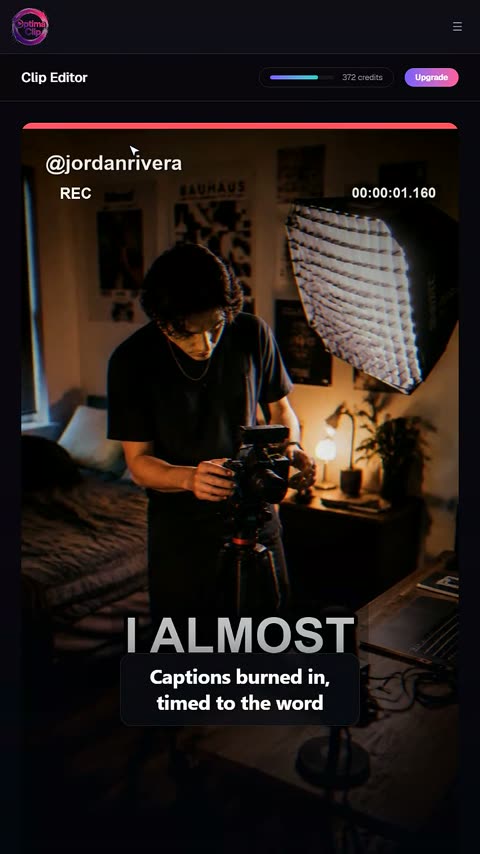
6Tweak the captions
Word-by-word captions you can edit, restyle or switch off.
 7
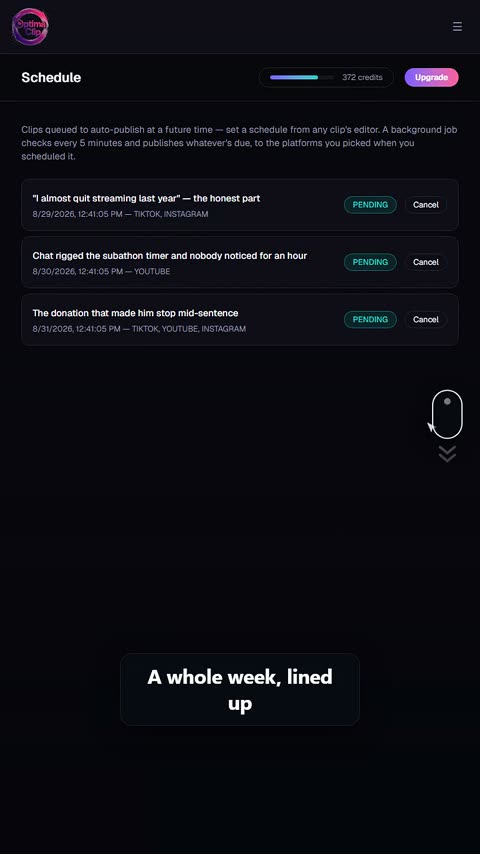
7Schedule the whole week
Queue clips across days and platforms in one pass.
 8
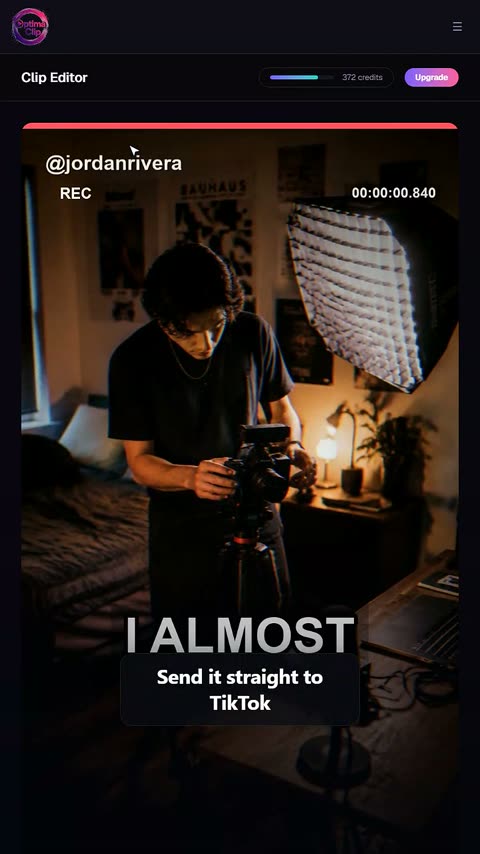
8Publish everywhere at once
Send a clip to TikTok, YouTube Shorts, Instagram and more from one screen.
The AI that finds your viral clips — and a studio that finishes them.
Two hard jobs, one subscription. OptimaClip's AI agent watches your whole podcast, stream VOD or YouTube video and pulls the moments actually worth posting — each with a virality score and the reasoning. Then OptimaClip Studio — a full timeline editor you drive by chat — turns them into finished videos: transitions, music, captions you edit right on the frame, your own footage, a cover image. Then it schedules them to 8 platforms. No CapCut round-trip. No second app.
▶ See it in 20 seconds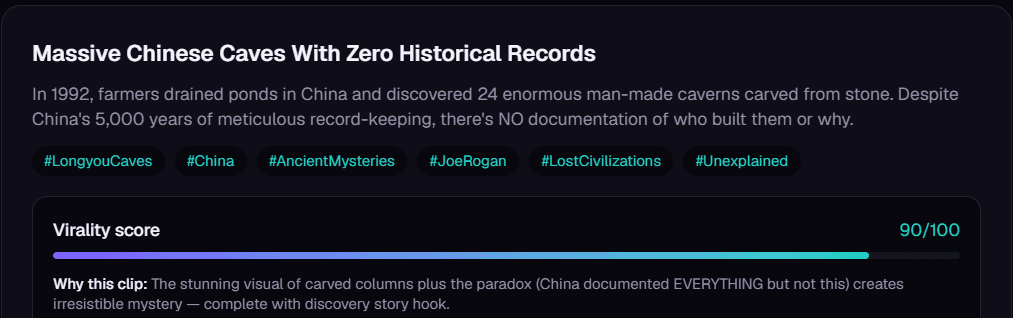
The AI picks your best moments — and shows its reasoning
“I used to bounce between three different tools for clipping, captioning, and scheduling.”
AI finds the moments
It reviews the long-form video and surfaces clips worth reviewing — each with a score and the reason it was picked.
Finish clips in Studio
Captions, reframing, and editing tools — a real timeline editor, not a black box.
Publish from one workflow
Export manually, or schedule and publish straight to your connected platforms.
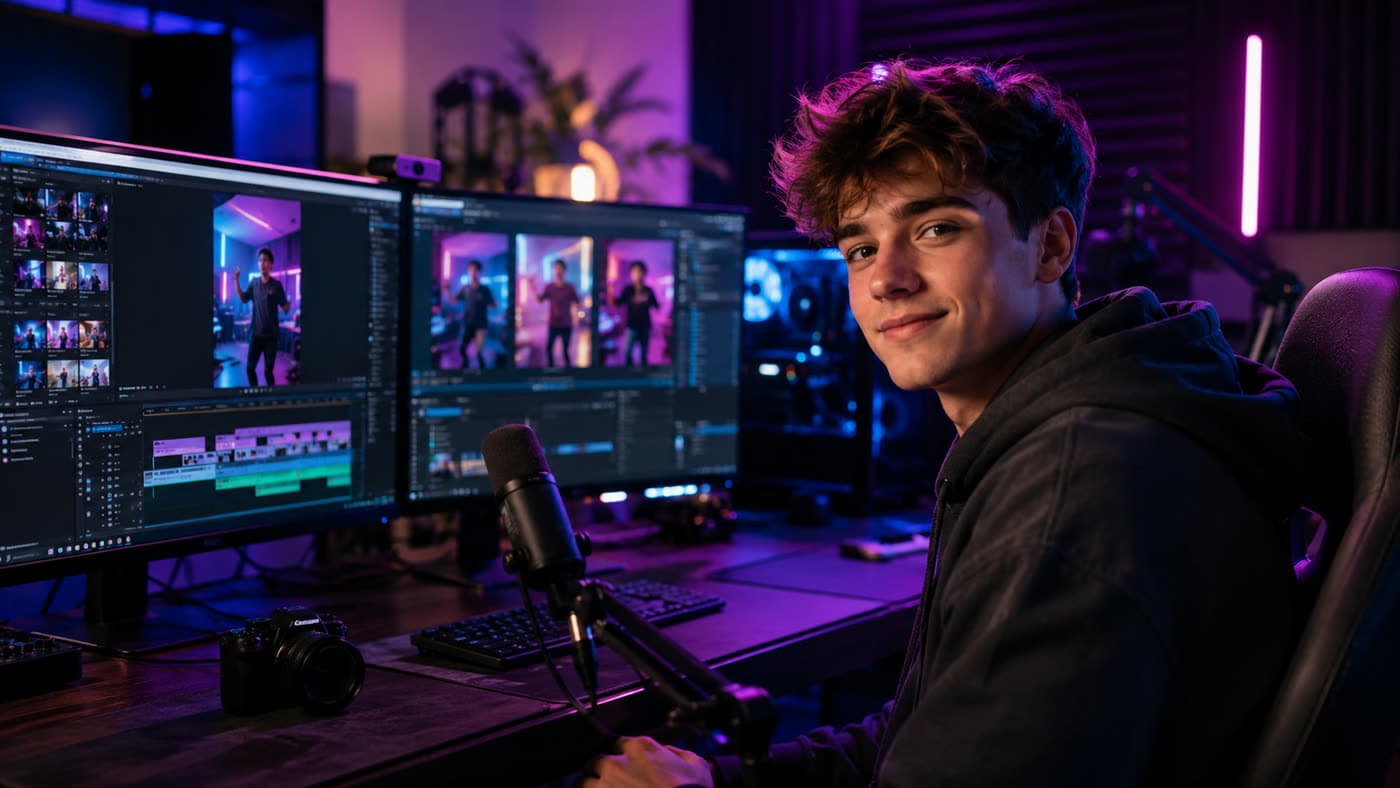
Upload once from wherever you already record — OptimaClip does the rest.
Your best moment is buried at minute 47. The AI finds it.
8
connected platforms to publish to directly
21
languages transcribed & captioned
60
days every credit rolls over — nothing expires the moment the month flips
See it in action
Real screens from the real product — not mockups. Every clip below was picked, scored, and captioned by the same AI agent your account uses.
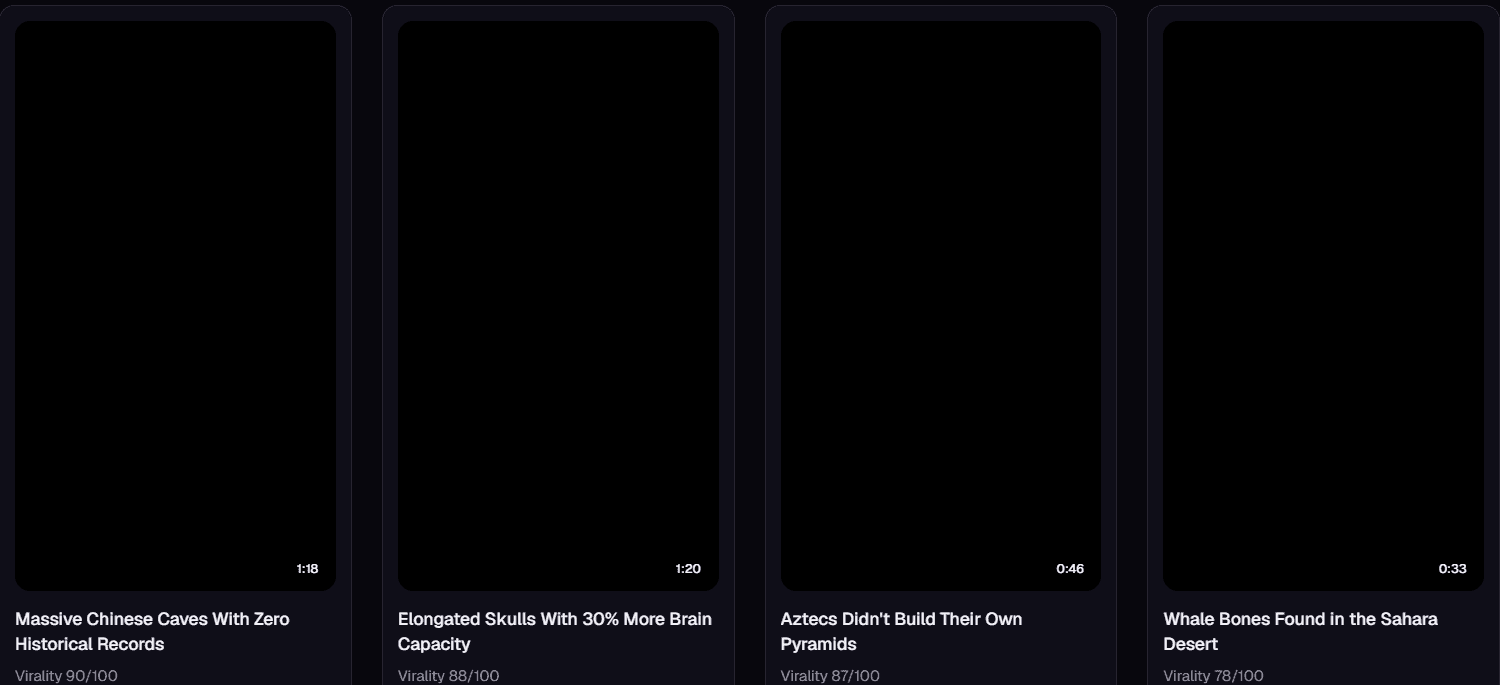
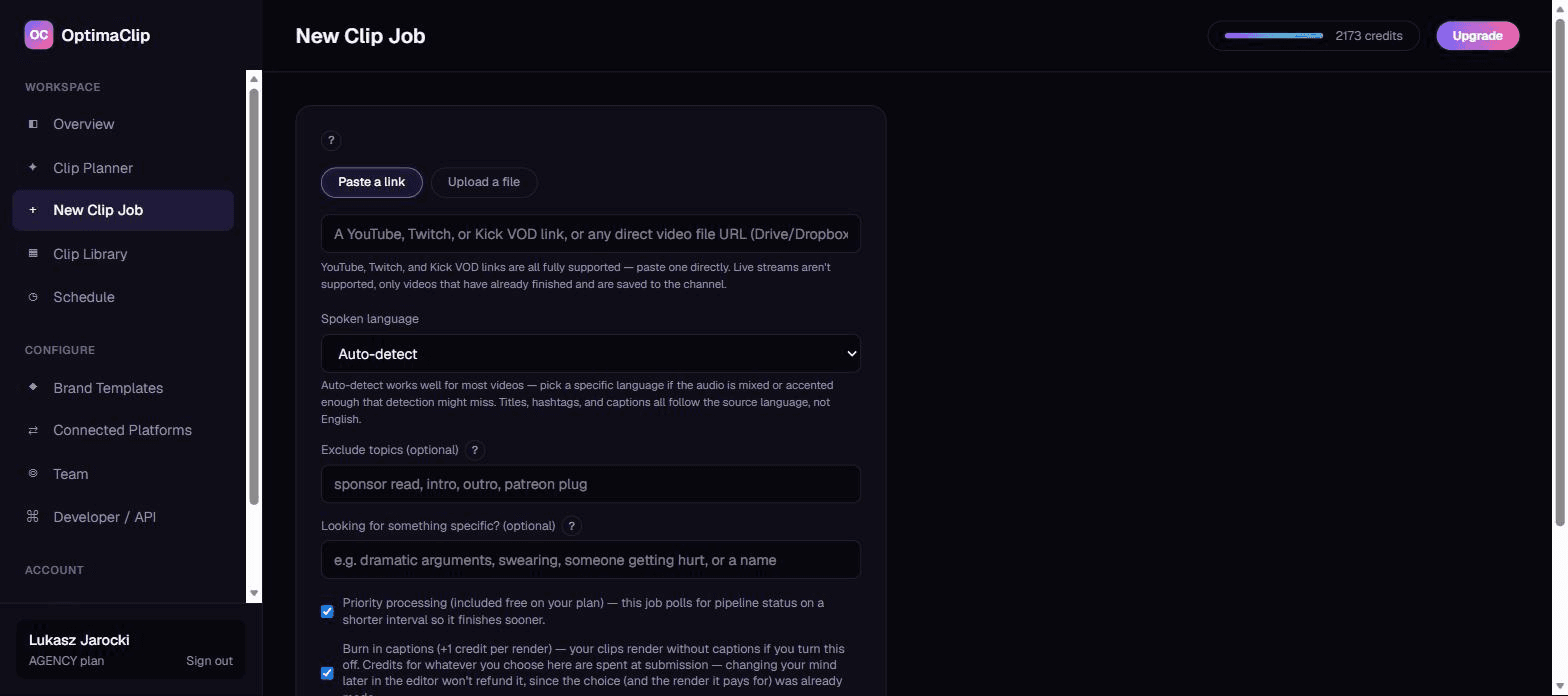
The clip that explains itself, not just a render.
“My team just uploads a webinar and the short-form content is ready to ship.”
Everything OpusClip and Vizard do. Plus what they don't.
Clipping and captioning are table stakes now. OptimaClip's edge is the workflow around them — one product instead of three tools stitched together.
AI Clipping Agent
Feed it a podcast, webinar, stream VOD, or YouTube video. It transcribes the whole thing, reasons over the transcript, and finds the hooks, punchlines, and teaching moments worth cutting — each candidate clip comes back with a virality score and a plain-English reason it was picked.
Auto-Captions & Brand Styling
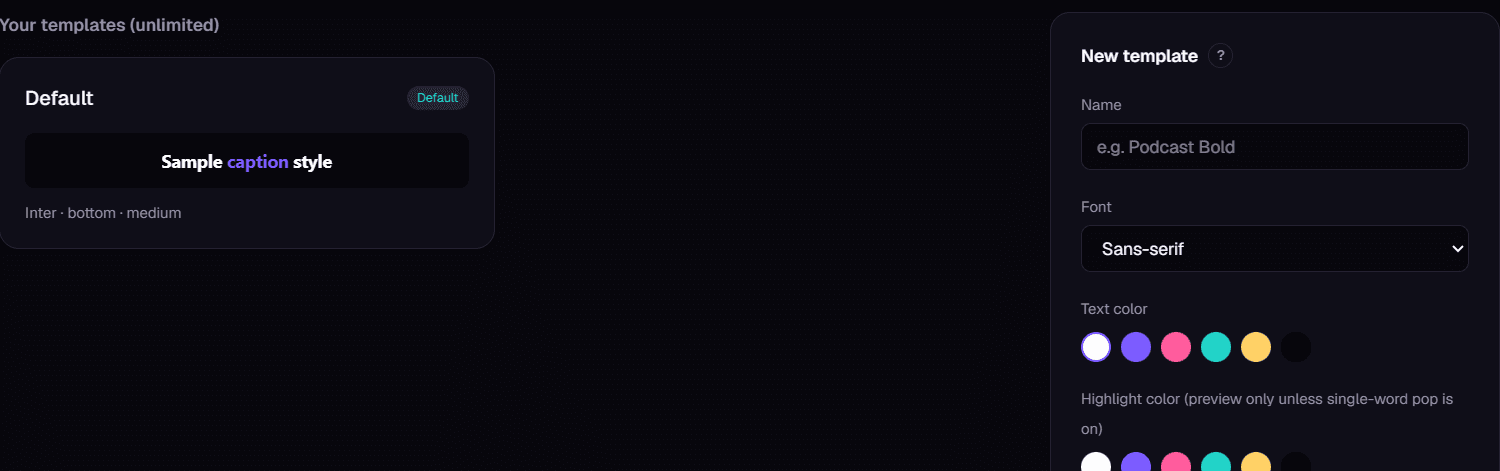
Every clip comes back captioned and reframed for vertical, with word-level highlight styling — or skip captions entirely. Save fonts, colors, and logo placement once as a Brand Template and every future clip matches automatically.
Smart Reframe
Instead of a fixed center-crop, Smart Reframe follows the visual subject as it moves — built for interviews, gaming footage, and anyone who doesn't sit dead-center in frame.
Scheduling & Publishing
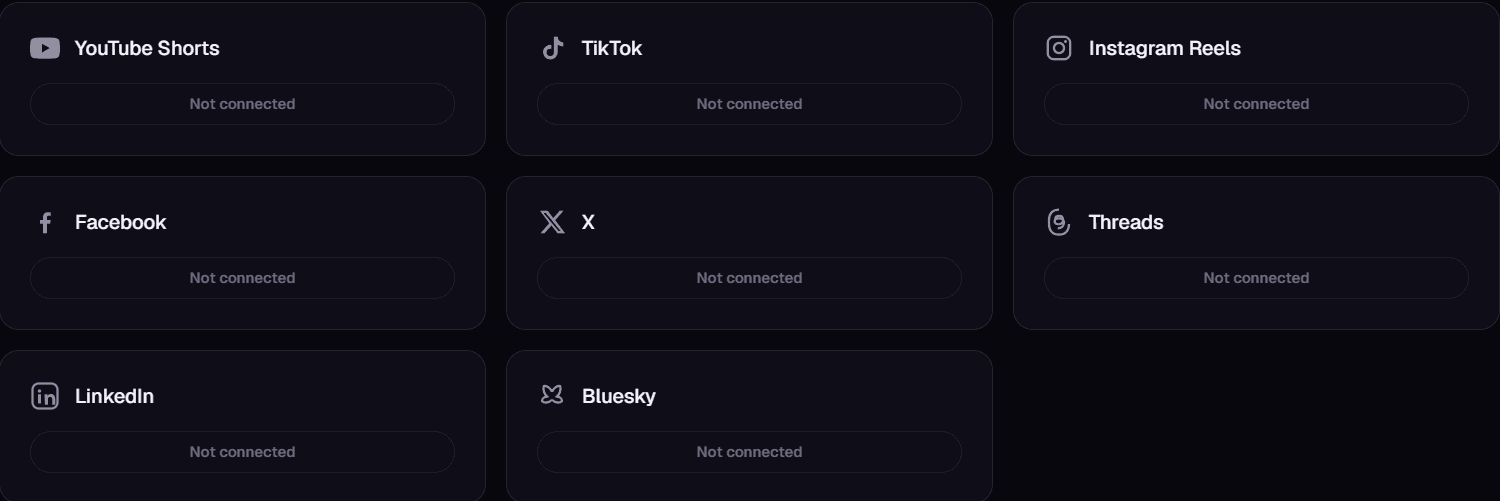
Queue a month of clips in one sitting. OptimaClip rotates them across 8 connected platforms — including LinkedIn and Bluesky — on the cadence you set, so "post something today" stops being a daily decision.
Advanced Clip Editor
Trim, restyle captions, swap the platform mix, and preview before it ships — a real editor, not a black box, so you're always one click from a manual override.
OptimaClip Studio — the agentic editor
Open any finished clip in a full timeline editor you drive by chat. Sequence several clips, add transitions, music and sound effects, title cards and lower-thirds, drop in your own footage or a voiceover, and drag captions and text right on the video frame to place them. Live per-clip speed, click-and-drag trimming, split anywhere, and a cover-image picker for the thumbnail. "Describe the edit, watch the timeline change." Replaces the round-trip to CapCut or Premiere — and never leaves OptimaClip.
Team Workspaces
Invite editors and account managers with role-based access. Agencies get per-client workspaces so nothing from Client A ever bleeds into Client B's brand templates or history.
Bring OptimaClip Into Any AI Agent
A documented REST API and per-key access means OptimaClip isn't locked to our dashboard — drop it into Zapier, n8n, or your own AI agent and trigger clip jobs programmatically.
One upload. A week off your plate.
The center-crop problem — solved automatically.
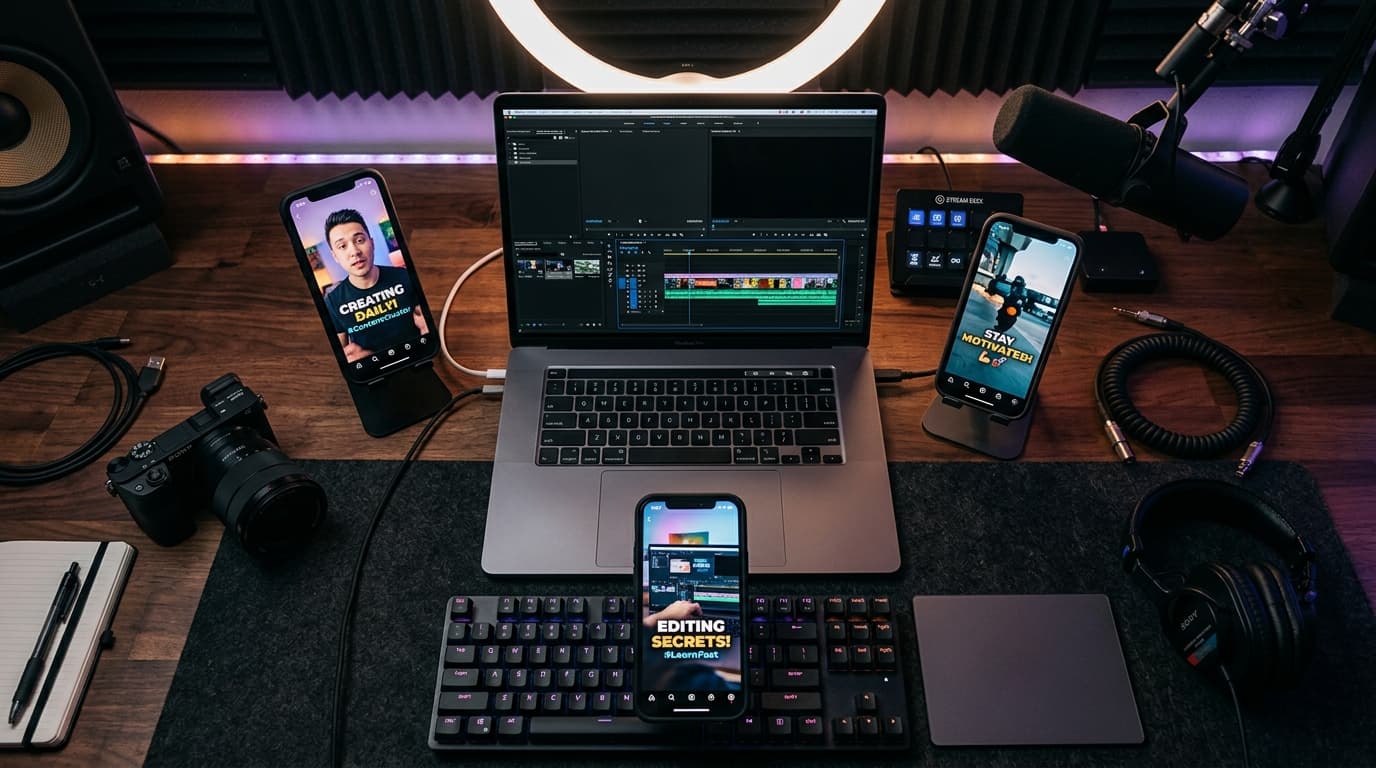
One long recording, cut into a full week of platform-ready clips.
Every platform you publish to, one queue.
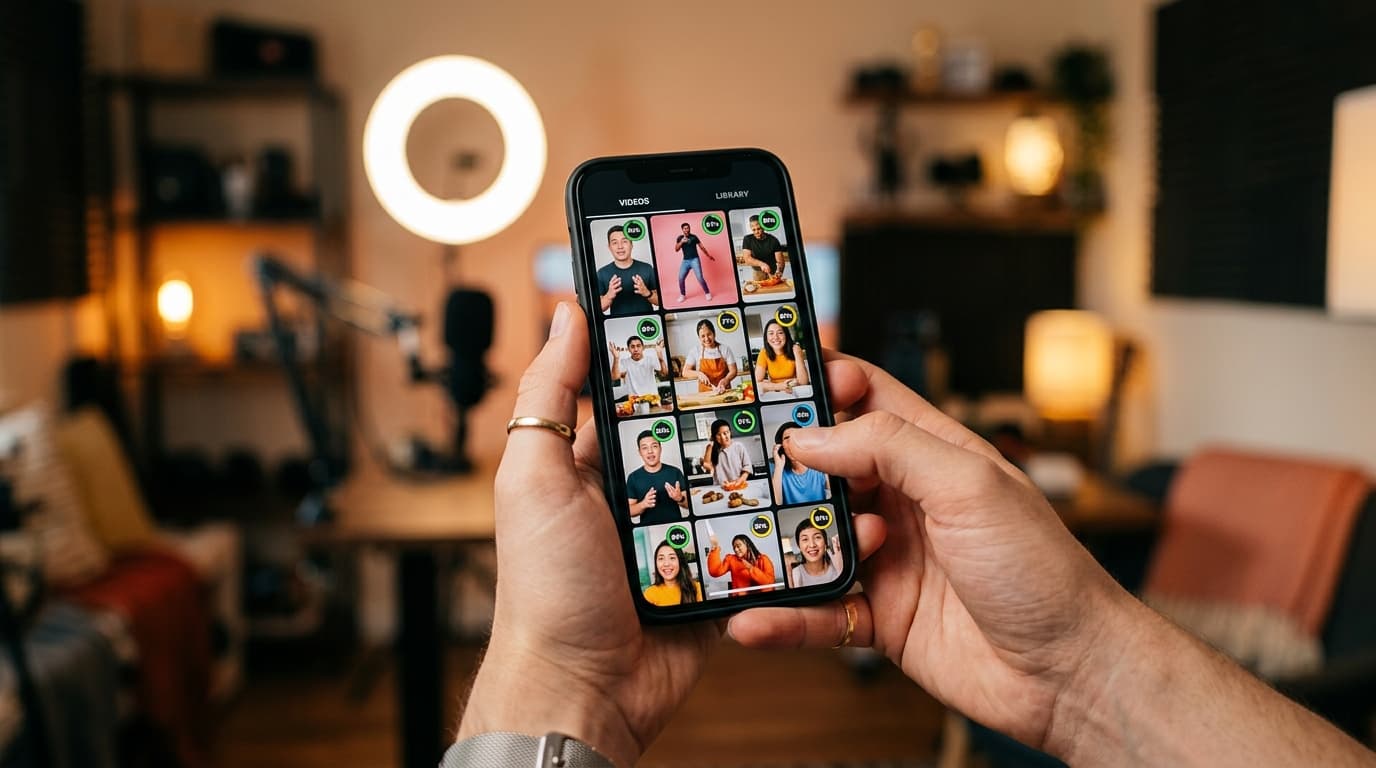
Every clip comes back scored — pick the winners in seconds.
“I just drop in the VOD and OptimaClip finds moments that actually feel post-worthy.”
Watch OptimaClip work
16 ways creators put OptimaClip to work
Our 30-second spots, each one built around real screens from the dashboard. Tap any of them to play with sound.

I built OptimaClip because finding the one moment worth posting in a two-hour video was eating my weekends. Now the AI finds it, tells you why it picked it, captions it and queues it everywhere. Paste your next long video and see how much of your week you get back.
The whole price list
1 credit = 1 minute of video.
Every clip and export is free.
A 10-minute video costs 10 credits — whether the AI finds 3 clips or 15, and however many formats you export. No per-clip fees, no caption fees, no surprise charges. Start with a free 3-day trial: 30 credits, no card needed.
✓ Unlimited AI clips
Every moment the AI finds — free
✓ Every export, free
9:16, 1:1, 16:9, 4:5 — first render of each
✓ Captions included
Animated, 21 languages + auto-detect, brand-styled
✓ Virality score + reasoning
Know why each clip should work
“Seeing the AI pull out strong opinions and hooks I'd missed convinced me.”
Everything the big tools have — for a fraction of the cost
Clipping, captions, reframing, scheduling and an editor, plus a few things you can't get at OpusClip's price.
AI clip finder with a virality score
Every clip gets a 0–100 score and a one-sentence reason it should work — no black-box guessing.
Animated captions in 21 languages
Brand-styled, single-word pop or classic, custom colors, fonts and positions. Included free on every export.
Curse-word censor
One toggle masks profanity in captions and silences it in the audio — brand-safe clips without an editor.
Find any moment by describing it
Type “the funniest fail” or “every mention of pricing” — search reads the transcript and watches the frames, even in silent video.
Twitch & Kick VOD import
Paste a VOD link and get the highlights. Streamers and clip channels are first-class here.
Highlight Reels
Auto-stitch every matching moment into one compilation clip. No manual stitching.
Studio: edit by chatting
A full timeline editor driven by AI chat — transitions, music, sound effects, text, your own footage, voice-over. Replaces the CapCut round-trip.
Smart Reframe with face tracking
The crop follows the main speaker's face across the clip, so wide video becomes vertical with the person always in frame.
Premiere Pro & DaVinci Resolve export
Download an edit list (EDL) and SRT captions for any clip and open the cut in your editor. Free on every plan.
AI voice-over
Type text, pick a voice, and drop natural narration onto your Studio timeline. 1 credit per voice-over, paid plans.
AI dubbing in 17 languages
Re-voice any finished clip in another language. 10 credits per minute of video, charged only when the dub finishes; paid plans.
Post everywhere, on a schedule
Built-in scheduling to YouTube Shorts, TikTok, Instagram, Facebook, X, Threads, LinkedIn and Bluesky.
Developer API on Creator
Automate clipping from Zapier, n8n or your own code — API access starts at $39/mo, not a custom enterprise quote.
Teams & client workspaces
Seats, roles, brand templates per client. Agency-ready without the enterprise price tag.
Before you check pricing
The three questions people ask us most before signing up.
In accounts we've tracked, average views per clip went from 187 to 1,460 (+681%) over 30 days after switching to OptimaClip — with engagement rate climbing from 1.2% to 3.1% and retention rate from 42% to 68%. That's not fully automatic, though: the AI finds and scores the moments, but clips that get a quick review and polish in Studio before publishing consistently outperform clips posted straight off the raw AI pick.
Credits that scale with you
Three tiers, transparent credits, no opaque "contact sales" wall.
Starter
For solo creators just starting to repurpose content.
$19/mo
300 credits / month
- • 300 credits / month
- • AI Clipping Agent + auto-captions
- • 1 brand template
- • Clip Planner AI tool
Creator
For creators who want repurposing to run in the background.
$39/mo
600 credits / month
- • 600 credits / month
- • Everything in Starter
- • OptimaClip Studio — chat-driven timeline editor: multi-clip sequencing, transitions, music & SFX, text, your own footage + voiceover, captions you edit right on the frame, a cover-image picker. Replaces the CapCut/Premiere round-trip.
- • Scheduling & multi-platform publishing (+ LinkedIn, Bluesky)
Agency
For agencies and teams repurposing content for multiple clients.
$79/mo
1000 credits / month
- • 1,000 credits / month
- • Everything in Creator
- • Unlimited brand templates
- • 5 team seats + client workspaces
Stop spending your weekends scrubbing footage.
About OptimaClip (Optima Clip)
OptimaClip — sometimes written Optima Clip — is AI video clipping software made by Hypersmarty LLC. It turns podcasts, streams, and YouTube videos into captioned short-form clips and schedules them to YouTube, TikTok, Instagram, X, Threads, LinkedIn, Bluesky, and Facebook. It isn't related to the car, ceiling-grid, or garden clips sold under the Optima name. What is OptimaClip? · About us

Stop stitching three tools together.
Clipping, captions, scheduling, publishing, and a team editor — in one product, one login, one price.
Start free trial